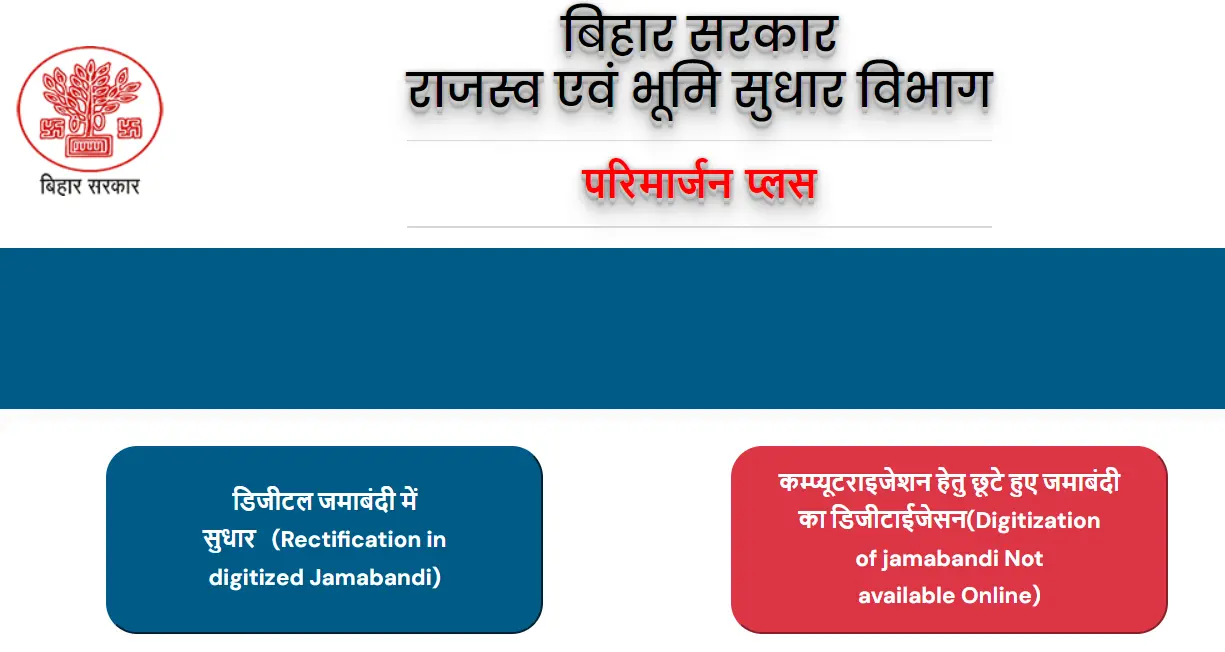
Bihar Parimarjan Plus: जमाबंदी और भूमि रिकॉर्ड सुधार की पूरी गाइड

Parimarjan Plus बिहार भूमि रिकॉर्ड में मौजूद digitized गलतियों को सुधारने की ऑनलाइन सुविधा से जुड़ा guide है। अगर जमाबंदी में रैयत का नाम, पिता/पति का नाम, खाता, खेसरा, रकबा, लगान demand या अन्य entry गलत दिख रही है, तो दाखिल-खारिज से पहले correction जरूरी हो सकता है।

काम

Jamabandi correction

दस्तावेज

Proof और old record

प्रक्रिया

Online application

Status

Application tracking

सावधानी

Wrong proof से delay

Important Disclaimer

BiharBhumi.online सरकारी वेबसाइट नहीं है। यह page केवल जानकारी और मार्गदर्शन के लिए है। आवेदन, भुगतान, record verification और final decision हमेशा संबंधित official government portal पर ही करें।

Parimarjan Plus क्या है?

Parimarjan Plus का उपयोग digitized land record में गलती सुधारने के लिए किया जाता है।

जमाबंदी में नाम, पिता/पति का नाम, जाति या पता गलत दिखे तो correction request की जरूरत हो सकती है।
खाता, खेसरा, रकबा, चौहद्दी या मौजा detail में mismatch हो तो पहले proof collect करें।
दाखिल-खारिज से पहले seller/previous raiyat की जमाबंदी सही होना जरूरी हो सकता है।
Correction approval के बाद updated जमाबंदी दोबारा check करनी चाहिए।

कब Parimarjan Plus की जरूरत होती है?

हर गलती एक जैसी नहीं होती। आवेदन से पहले गलती का type और proof साफ होना चाहिए।

जरूरी दस्तावेज

Correction के लिए गलत entry और सही entry दोनों को prove करना पड़ता है।

  • पुरानी जमाबंदी / Register-II copy
  • सही नाम या detail का पहचान दस्तावेज
  • Registry deed / sale deed / gift deed / partition document
  • लगान रसीद, यदि demand correction से जुड़ा मामला है
  • खाता, खेसरा, रकबा और मौजा की clear details
  • Affidavit या self declaration, जहां जरूरी हो
  • Court order या competent authority order, यदि लागू हो
  • Readable PDF/JPG scanned documents

Parimarjan Plus online process

Official portal पर correction category के अनुसार आवेदन भरा जाता है।

1

Official Parimarjan Plus portal खोलें

Portal पर application/correction section खोलें और service type ध्यान से चुनें।

2

जमीन की पहचान details भरें

जिला, अंचल, मौजा, खाता, खेसरा और जमाबंदी संख्या भरें।

3

गलत entry और सही entry लिखें

गलती क्या है और सही जानकारी क्या होनी चाहिए, यह स्पष्ट रूप से दें।

4

Supporting documents upload करें

Proof readable PDF/JPG में upload करें। आधा page या blurred scan न लगाएं।

5

Receipt save करें

Submit के बाद acknowledgement/application number save करें और status regularly check करें।

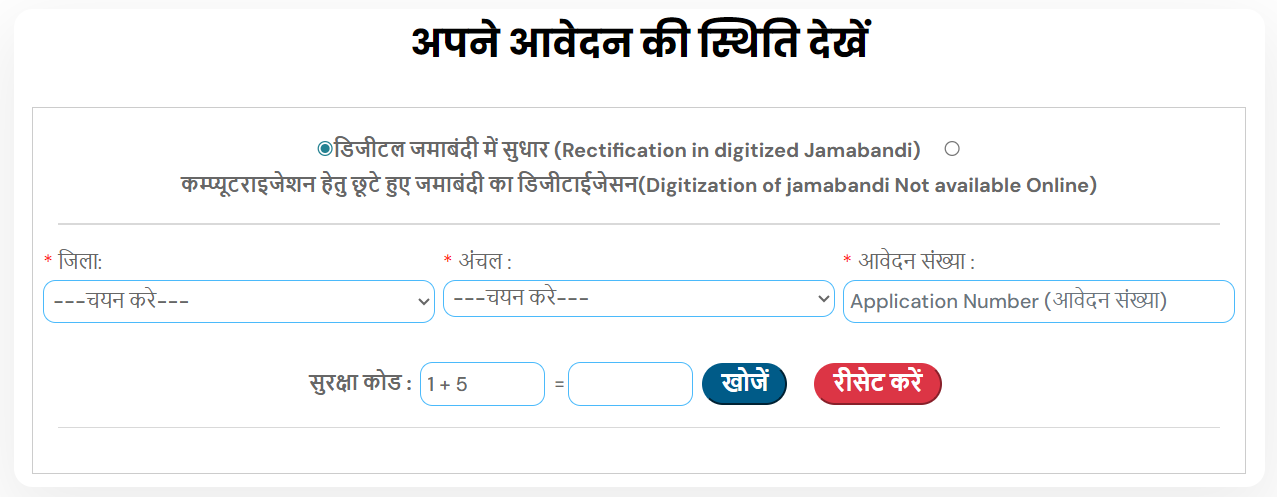
Application status कैसे देखें?

Correction request submit करने के बाद status track करना जरूरी है।

Application number या acknowledgement number संभालकर रखें।
Status page पर number/mobile details डालकर tracking करें।
Objection या document requirement दिखे तो समय पर response दें।
Approval के बाद updated जमाबंदी/record फिर से verify करें।

Common mistakes

इन गलतियों से correction request reject या delay हो सकती है।

गलती का clear proof upload नहीं करना।
गलत खाता, खेसरा या मौजा select करना।
Correction category गलत चुन लेना।
नाम correction में identity proof mismatch होना।
Updated record approve होने के बाद verify नहीं करना।

FAQ

इस page के FAQ को visible section और schema markup दोनों में रखा गया है।

Parimarjan Plus बिहार भूमि रिकॉर्ड में digitized जमाबंदी या related entries की गलती सुधारने के लिए online correction सुविधा है।

अगर seller/previous raiyat की जमाबंदी में land details गलत या missing हैं, तो पहले correction करवाना बेहतर होता है।

पुरानी जमाबंदी, सही detail का proof, deed/court order, लगान रसीद, identity document और readable scan जरूरी हो सकते हैं।

Official Parimarjan Plus portal पर application/acknowledgement number से status track किया जा सकता है।

Updated जमाबंदी और land record दुबारा check करें और future application के लिए copy save रखें।

नहीं, यह independent guide है। Official correction केवल government portal पर करें।

Official portal पर जाने से पहले details मिला लें

Application submit करने से पहले documents, land details और mobile number तैयार रखें।

Parimarjan Plus Portal